
ACTION 10 OF 16
How often should you update key pages to beat fresher competitors?
SHORT ANSWER
Every 3–6 months, update the prices, numbers, examples, and screenshots on the pages that bring in leads, and add answers to new customer questions. Only then change the “Updated” date. Keep a record of exactly what you changed.
- Time: 2–3 hours per page, every 3–6 months
- Owner: Content marketer
- Impact: ≈ +2–5% Coverage ¹
Kyrylo Poltavets, Founder of Dabudai · LinkedIn
Published · Updated
Why should you keep updating your key pages?
AI cites recently updated pages more often than regular search results do. A good page that’s gone stale quietly loses to a competitor’s fresher one, even if yours came first.
How to refresh a key page, step by step
- List the pages that bring in leads, with the date each one last had a real content update.
- Update prices, numbers, examples, screenshots, and tool names.
- Add a new section or question if customers have started asking about something new.
- Only then change the “Updated” date.
- Log exactly what you changed in a spreadsheet.
Pair this with: Keep your comparison pages up to date
Why does AI prefer recently updated pages?
3 in 4
pages cited by AI were updated within the past year
Source: study ↗
82%
of sources in Google’s AI answers change within 2 months
Source: study ↗
AI doesn’t favor new pages so much as pages that get updated regularly, even if they were first published long ago. Comparison pages and reference pages tend to be the freshest, because people need current numbers there. [study]
The sources behind AI answers turn over much faster than regular Google results. Within two months, most of the pages in an answer are different. You have to hold your spot in the answer, not just win it. [study]
A recent date makes a model more likely to pick a page, [SIGIR ’26] but only when the content is fresh too. A new date on a page with old information won’t help, and it can hurt. [Google]
Which pages should you update, and how often?
| Page type | How often | What to check |
|---|---|---|
| Pricing and plans | Every time something changes | Prices, what’s included, currency, date |
| Comparisons and alternatives | Every 3 months | Competitors’ prices and features, new players in the market |
| Service and product pages | Every 3–6 months | Case studies, numbers, screenshots, new FAQ questions |
| Guides and reference articles | Every 6–12 months | Stats, tool names, whether the steps still work |
| News and announcements | Don’t update | Leave them as they are and link to them from newer pages |
Start with the pages that already show up in AI answers or bring in leads. You can see which ones in the Top Pages section for free on the platform (7 days).
What counts as a meaningful content update?
What counts
- new numbers with a recent source and date;
- a new example, case study, or calculation;
- an answer to a question customers have started asking (from sales, support, or AI sub-queries; how to find them);
- removing outdated content: tools that no longer exist, old prices, steps that no longer apply;
- new interface screenshots.
What doesn’t count
- reshuffling paragraphs and swapping in synonyms;
- a new date with no change to the content;
- adding filler text that doesn’t answer anything.
On the technical side
- Update the date the same way in three places: the visible date on the page,
dateModifiedin your markup, andlastmodin your sitemap. - Don’t change the page URL when you update it. You’ll lose the links and citations it has built up.
- Don’t rewrite a page AI already cites from scratch. Look at which passage it quotes, keep the substance, and update the facts (more in Action 4: Show “Published” and “Updated” dates).
Content update log template
Page | Last updated | What changed | Next update
/pricing | Oct 4, 2026 | New prices, sample calculation | Jan 4, 2027
/service-a | Jul 15, 2026 | Screenshots, new FAQ | Oct 15, 2026
How do you know your pages are fresh enough?
No page that brings in leads has content older than 6 months, and each one has a log entry showing what was updated.
What’s the most common mistake when updating pages?
Writing new articles instead of updating old ones. Updating a page AI already knows often pays off faster.
How do you measure the impact of a page update?
Note the update date. Then compare how often AI cites the page, and where it ranks your brand, before the update and 2–4 weeks after.
If you use Dabudai, watch Top Pages and the average position trend on Overview starting from the update date.
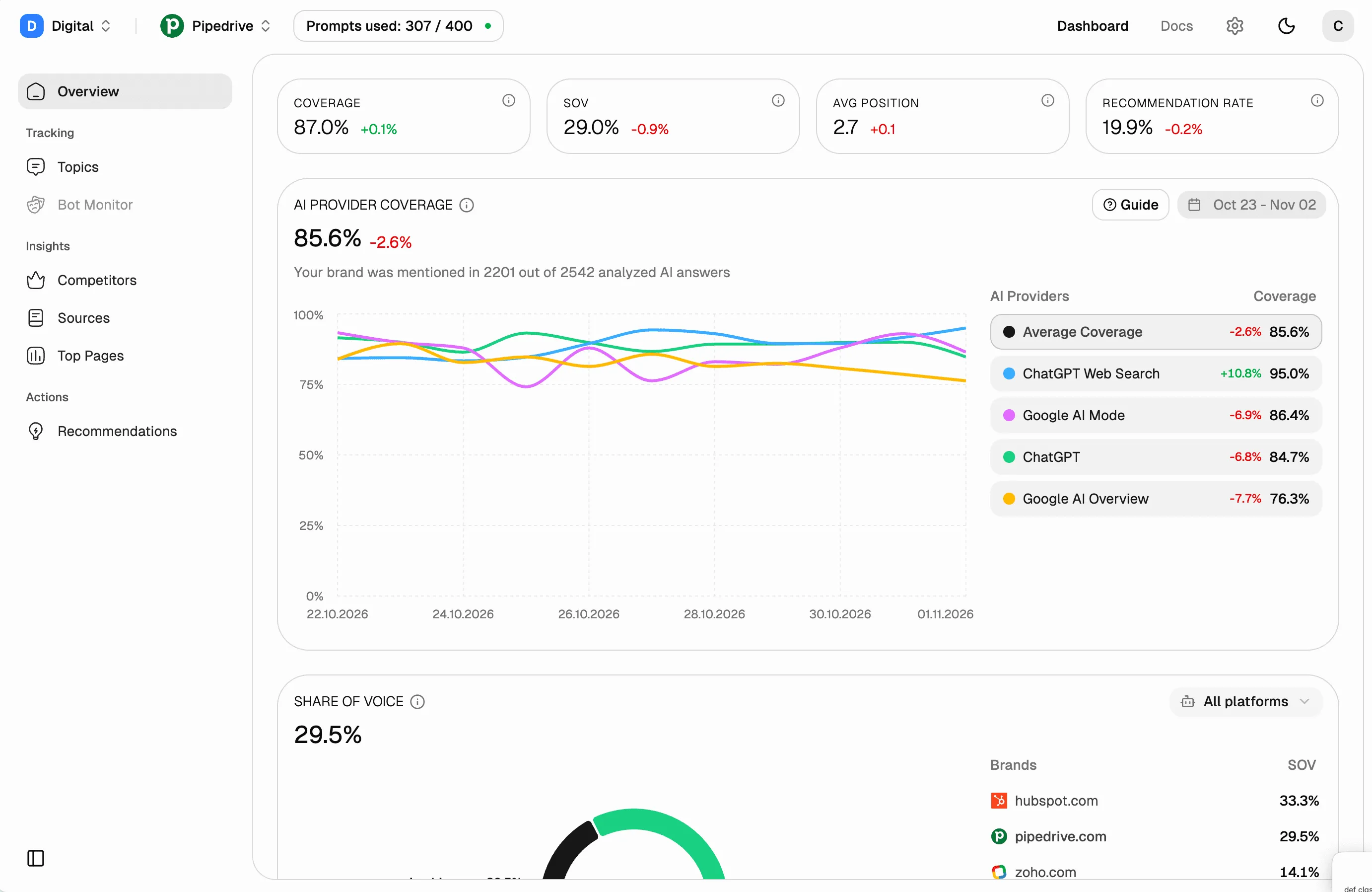
No account yet? Your first brand data shows up within 20 minutes of signing up. The first 7 days are free.
Common questions about updating pages
Is it better to write a new article or update an old one?
Usually update. AI will start citing a page it already knows again faster than it picks up a new one.
How often should I update?
Pages that bring in leads: every 3–6 months. Pricing pages: every time your prices change.
Can I just update the date?
No. Without real content changes, it doesn’t work, and it can hurt.
What Dabudai customers say
★★★★★
We can finally see how AI recommends us
“Before, we had no idea how AI tools recommended our business or how they described it. Now we can see both, and some of the insights turned out to be incredibly useful.”
Daniel Nowak
· CMO, medical tourism company
GO DEEPER
Learn more about content refreshes in Lesson 6.8 of the Learning Center inside the Dabudai platform, with examples and a check on your own data.
The Learning Center is open during the free 7-day trial. No credit card needed.
Sources
[Google] Google: Creating helpful, reliable, people-first content ↗
[study] Seer Interactive: Content recency and AI visibility, 2026 ↗
[study] Ahrefs: Overlap between AI Overviews sources and Google organic results ↗
[SIGIR ’26] SIGIR ’26: 252,000 controlled source comparisons ↗
¹ Estimated impact comes from Dabudai’s analysis of 350,000 AI answers across 2,300 websites, October 2026. Your results depend on your niche, competitors, and starting point.